Better answers from the AI you already use.

One click turns what you typed into a structured, expert-level prompt in under a second, inside ChatGPT, Claude, Gemini and any Mac app you write in.
On a phone? Installing needs a desktop — try it here and install later.
Free 5-day trial · No card required · Try it in the browser first
 ChatGPT
 Claude
 Gemini
 Copilot
 Perplexity
 Cursor
 Claude Code
 VS CodeChatGPTClaudeGeminiCopilotPerplexityCursorClaude CodeVS CodeChatGPTClaudeGeminiCopilotPerplexityCursorClaude CodeVS CodeChatGPTClaudeGeminiCopilotPerplexityCursorClaude CodeVS Code
Three steps between a rough idea and a prompt the model follows.

 01
01Write the rough version
Type or paste any idea, question or half-formed draft where you already work.
make this email sound more professional
 02
02Click once
PromptAI adds role, context, task, format and constraints in under a second.
⌘⇧Pon a Mac · one click in the browser
 03
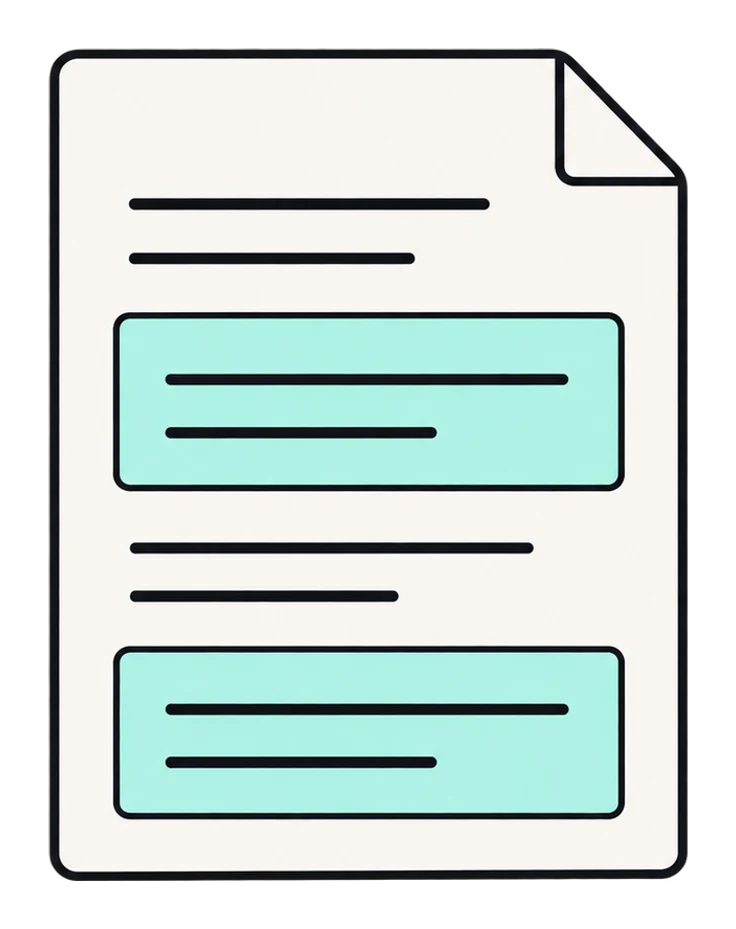
03Get a better answer
The structured prompt replaces your text in place, ready to send to any model.
New in PromptAI
Skills, conversation context, and what comes next.
Skill library
Turn on curated expert skills and every enhance applies them: brainstorming, code review, frontend design and more. Pick one per prompt, or let Pro choose automatically.
Conversation context
PromptAI reads the last few messages of the chat you're in, so the next prompt builds on what was already said. Works in ChatGPT, Claude, Gemini and Claude Code. The messages themselves are never saved.
Next-prompt suggestions
After every answer, PromptAI suggests the follow-up prompt that keeps the work moving.
15 skills · one per prompt, or auto-picked on Pro


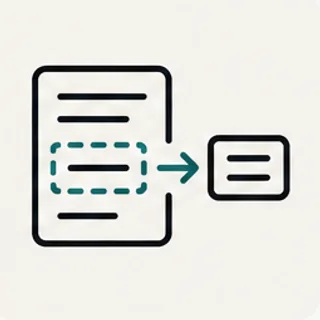










Everything a good prompt needs, added in one click. Role, context, format and constraints in the browser, the same in any Mac app from a hotkey, and follow-ups that refine the result until the answer lands.
Instant Enhancement
Transform any text into a structured, powerful prompt in one click. No prompt engineering skills needed.
Help me write a cover letter for a marketing position at a tech company
Role · Context · Task · Format · Constraints
Global Hotkey (macOS)
Highlight text in Claude Code, Cursor, Antigravity, or any app and hit ⌘⇧P. PromptAI enhances it and pastes the result back.
yes, even in the terminal
Smart Follow-ups
Iteratively refine your prompts with context-aware follow-ups until they produce perfect results.
Privacy First
Prompts aren't stored unless you turn on History, and are never used for training. With History on, they're kept for you only and deleted when you say so.
Smart Templates
Automatically adds role definitions, context framing, output format, and constraints to your prompts.
Works Everywhere
Compatible with ChatGPT, Claude, Gemini, Copilot, and any LLM that accepts text prompts.
- ChatGPT
- Claude
- Gemini
- Copilot
- Perplexity
- Cursor
- Claude Code
- VS Code
One enhancer. Every AI tool.
One account. One click in the browser, one hotkey on the Mac.
- Browser extension
- Mac app · ⌘⇧P
- Chrome Extension
- Mac Desktop App
- One account
For web AI chats
Chrome Extension
Drops a floating button into ChatGPT, Claude, Gemini, Perplexity, and any chatbot in your browser. Click once — your prompt is restructured in place.
- Works on any website with a text box
- Follow-ups iterate without starting over
- Chrome, Edge, Brave, Arc
›
Role: Senior engineer on this codebase
Task: Find why login fails and fix the root cause
Constraints: Explain the change, keep the diff small
For Claude Code, Cursor, Antigravity, and any text field
Mac Desktop App
Highlight text anywhere on macOS and hit the global hotkey. PromptAI enhances it and pastes the result back — no copy, no paste, no context switch.
- Claude Code, Cursor, Antigravity, VS Code, Warp
- Works in any macOS text input
- Universal binary · Apple Silicon + Intel
Browser + Desktop
Same account. Same enhancement engine.
Whichever AI tool you're in — it's one keystroke away.
Built for the AI tool you use
Each guide explains how PromptAI handles the prompt patterns, hotkeys, and quirks of a specific tool — so you skip the generic intro and go straight to what matters for your workflow.
Before & After
Watch how a simple idea transforms into a professional prompt
help me write a cover letter for a marketing position at a tech company
same idea, one click later
Role Expert career coach with 15+ years in tech industry hiring
Context Applying for Marketing Manager at a mid-to-large tech company with 5 years of experience
Task Write a compelling cover letter highlighting achievements with metrics, tech marketing understanding, professional yet personable tone
Format 3-4 paragraphs, under 400 words, strong call-to-action closing
Constraints No generic phrases. Focus on results and impact over responsibilities

Simple, transparent pricing
Start with a 5-day free trial. No credit card required.
plans start at about the price of one coffee a month
Basic
For individual users
Billed monthly
- Unlimited prompt enhancements
- 5 follow-ups per thread
- 3 skills from the library
- Conversation context
- Priority support
Pro
Most popularFor power users
Billed monthly
- Unlimited prompt enhancements
- Unlimited follow-ups
- Unlimited skills, chosen automatically
- Conversation context
- Priority support
- Early access to new features
All plans include a 5-day free trial. Cancel anytime, no questions asked.
Loved by hundreds
I literally use this for almost every prompt now! I've always struggled with phrasing my questions or prompts in a clear way to AI, but this helps refine my one sentence prompts into a strong structured prompt that gives me what I've asked for AND more. Highly recommend if you need to save time and get better responses from AI!
Aishni Jolly★★★★★
Chrome Web Store · Apr 2026
It give an intelligent prompt and I get the best result. Thanks for making this. Really helpful
Dipan Patel★★★★★
Chrome Web Store · Feb 2026
Installed it and had my first enhanced prompt in under a minute. The difference in AI responses is night and day — my ChatGPT and Claude outputs are noticeably better. Wish I'd had this six months ago.
Samira★★★★★
Chrome Web Store · May 2026
I literally use this for almost every prompt now! I've always struggled with phrasing my questions or prompts in a clear way to AI, but this helps refine my one sentence prompts into a strong structured prompt that gives me what I've asked for AND more. Highly recommend if you need to save time and get better responses from AI!
Aishni Jolly★★★★★
Chrome Web Store · Apr 2026
It give an intelligent prompt and I get the best result. Thanks for making this. Really helpful
Dipan Patel★★★★★
Chrome Web Store · Feb 2026
Installed it and had my first enhanced prompt in under a minute. The difference in AI responses is night and day — my ChatGPT and Claude outputs are noticeably better. Wish I'd had this six months ago.
Samira★★★★★
Chrome Web Store · May 2026
I literally use this for almost every prompt now! I've always struggled with phrasing my questions or prompts in a clear way to AI, but this helps refine my one sentence prompts into a strong structured prompt that gives me what I've asked for AND more. Highly recommend if you need to save time and get better responses from AI!
Aishni Jolly★★★★★
Chrome Web Store · Apr 2026
It give an intelligent prompt and I get the best result. Thanks for making this. Really helpful
Dipan Patel★★★★★
Chrome Web Store · Feb 2026
Installed it and had my first enhanced prompt in under a minute. The difference in AI responses is night and day — my ChatGPT and Claude outputs are noticeably better. Wish I'd had this six months ago.
Samira★★★★★
Chrome Web Store · May 2026
I literally use this for almost every prompt now! I've always struggled with phrasing my questions or prompts in a clear way to AI, but this helps refine my one sentence prompts into a strong structured prompt that gives me what I've asked for AND more. Highly recommend if you need to save time and get better responses from AI!
Aishni Jolly★★★★★
Chrome Web Store · Apr 2026
It give an intelligent prompt and I get the best result. Thanks for making this. Really helpful
Dipan Patel★★★★★
Chrome Web Store · Feb 2026
Installed it and had my first enhanced prompt in under a minute. The difference in AI responses is night and day — my ChatGPT and Claude outputs are noticeably better. Wish I'd had this six months ago.
Samira★★★★★
Chrome Web Store · May 2026
Questions.
PromptAI is an AI-powered prompt enhancer that transforms your simple text into structured, powerful prompts. It automatically adds role definitions, context framing, output format, and constraints — so you get dramatically better results from any AI chatbot.
Better prompts, one click away.
Free 5-day trial · No card required
or both, same account