Prompt enhancer for Claude Code, Cursor and Antigravity
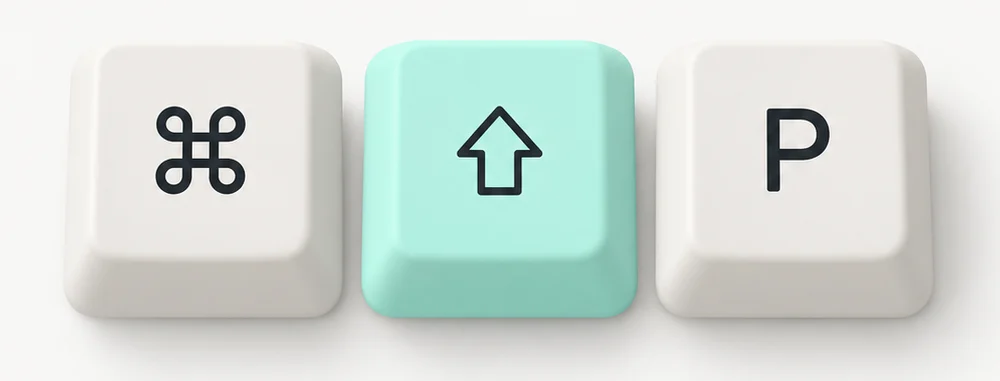
Press ⌘⇧P anywhere on your Mac. Your rough prompt becomes a structured one, and your AI tool gets a prompt that works the first time.
v0.3.2 · Not sure which Mac you have? Apple menu → About This Mac
macOS 12 Monterey or later · Free download · Enhancements need an account · Windows is coming
RoleSenior engineer debugging an intermittent test
ContextAuth suite, fails ~1 run in 8, passes in isolation
TaskFind the race condition and make the test deterministic
FormatRoot cause first, then the patch
One hotkey. Every AI coding tool on macOS.

Because the capture is OS-level, PromptAI works in anything with a text input — no per-app plugin, no integration to maintain. If you find an app where the hotkey does not work, email us and we will look at it.
Four steps. One minute of setup.
Install and grant Accessibility
Open the DMG, drag PromptAI to Applications, launch it, and grant Accessibility permission. This lets the hotkey capture and replace text across apps.
Sign in
Use your PromptAI account — the same one you use for the Chrome extension or the web demo. If you are new, a free account works to start.
Type a prompt anywhere
Open Claude Code, Cursor, Antigravity, VS Code, Warp — any app with a text input — and type a one-line prompt as you normally would.
Press ⌘⇧P
The enhanced, structured version replaces your text in place. Hit enter and your AI tool receives a prompt that is 5–10× more specific.
Built to disappear into your workflow.
One global hotkey
Cmd+Shift+P anywhere on your Mac — captures, enhances, pastes back in place. No window switching, no copy-paste dance.
Works in every AI tool
OS-level text capture means zero per-app integration. Claude Code, Cursor, Antigravity, VS Code, Warp — same hotkey, same behavior.
Rebindable hotkey
Prefer Cmd+E or Option+Space? Change it in preferences. The default is chosen to avoid conflicts with common coding shortcuts.
Auto-updates
Ships updates in the background. The in-app banner tells you when a new version is ready — one click to apply.
Private by default
We do not train on your prompts and do not store them beyond the immediate request. Same privacy stance as the browser extension.
Same account, everywhere
One PromptAI account covers the desktop app, the Chrome extension, and the web demo. Usage rolls up to your plan.
One permission the first time
PromptAI Desktop is signed with an Apple Developer ID and notarized, so macOS opens it like any other app. The one thing it asks for is Accessibility: that is how ⌘⇧P reads the prompt you are editing and pastes the enhanced version back.
- 01Open the DMG and drag PromptAI to your Applications folder.
- 02Open PromptAI. If macOS asks whether to open an app downloaded from the internet, click Open. There is no security warning to work around.
- 03On the welcome screen, click Open System Settings and switch PromptAI on under Privacy & Security → Accessibility.
- 04Back in PromptAI the status changes to Accessibility is on by itself. Select some text in any app and press ⌘⇧P.
Questions.
PromptAI Desktop is a macOS menu-bar app that rewrites your prompt into a structured version from a global hotkey. You type a one-liner anywhere — Claude Code, Cursor, Antigravity, VS Code, Warp — press Cmd+Shift+P, and the enhanced prompt replaces the text in place. The whole round trip takes about two seconds.
Still stuck? Email support@promptai360.com and we reply the same business day.
Keep reading
Prompt enhancer for Claude Code, Antigravity, Cursor & VS Code
The playbook behind the app — why desktop AI tools need structured prompts more than chat tools do.
BrowserChrome extensionPromptAI for ChatGPT, Claude & Gemini on the web
The browser companion — same enhancement engine, inside your favorite AI chat tools.
Better prompts, one hotkey away.
Install once, use everywhere. PromptAI Desktop runs in your menu bar and enhances prompts from ⌘⇧P, anywhere on macOS.
v0.3.2 · Not sure which Mac you have? Apple menu → About This Mac
plans start at about the price of one coffee a month